
Role-scoped command palette
Command+K searches only what your role is allowed to see.
Management information system
A role-aware school MIS connecting people, classes, attendance, grades, timetables, and reporting across one academic data model.
The same academic records must serve administrators, teachers, students, and parents without exposing every workflow to every role.
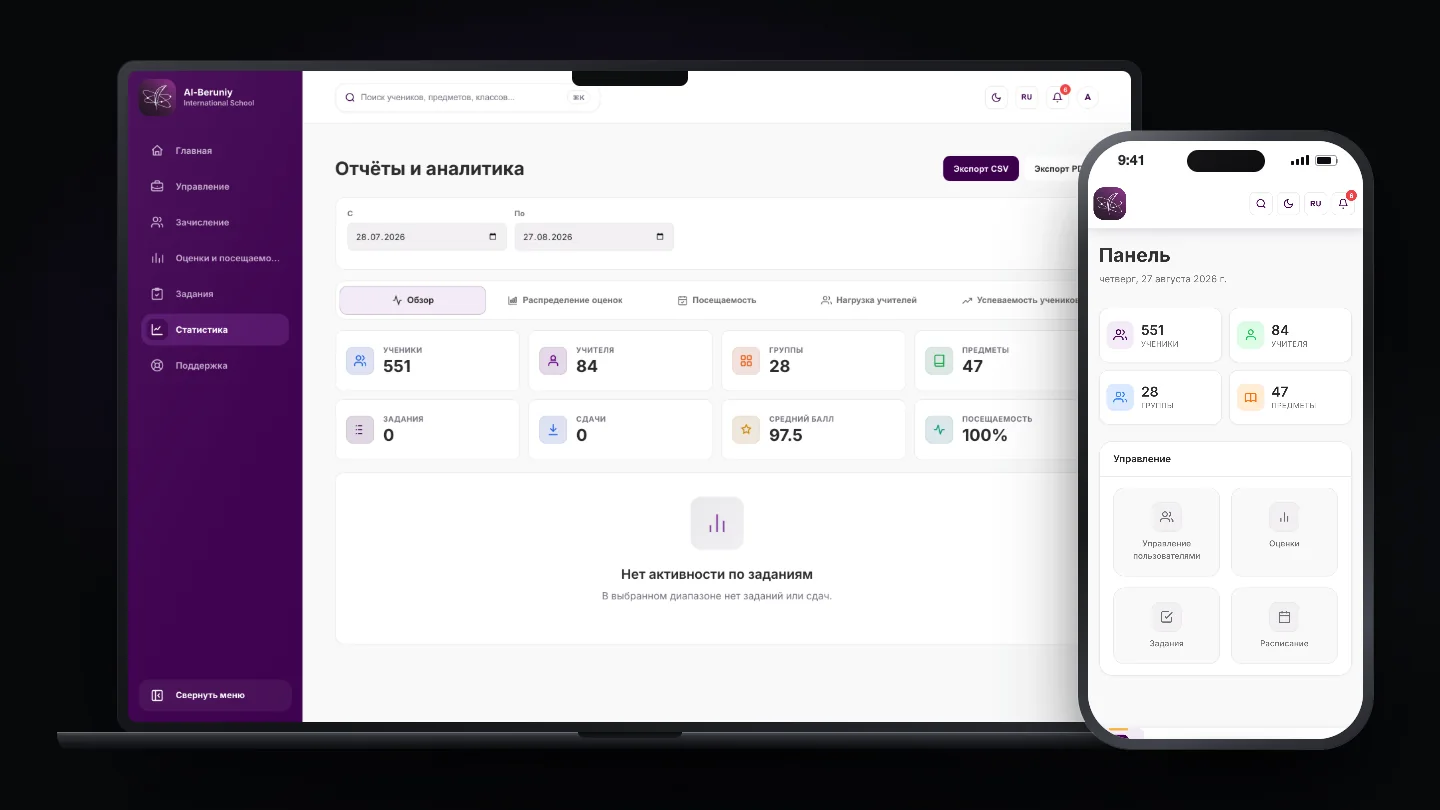
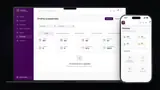
The role-aware school MIS on desktop and mobile: one academic data model behind every role's view of it.
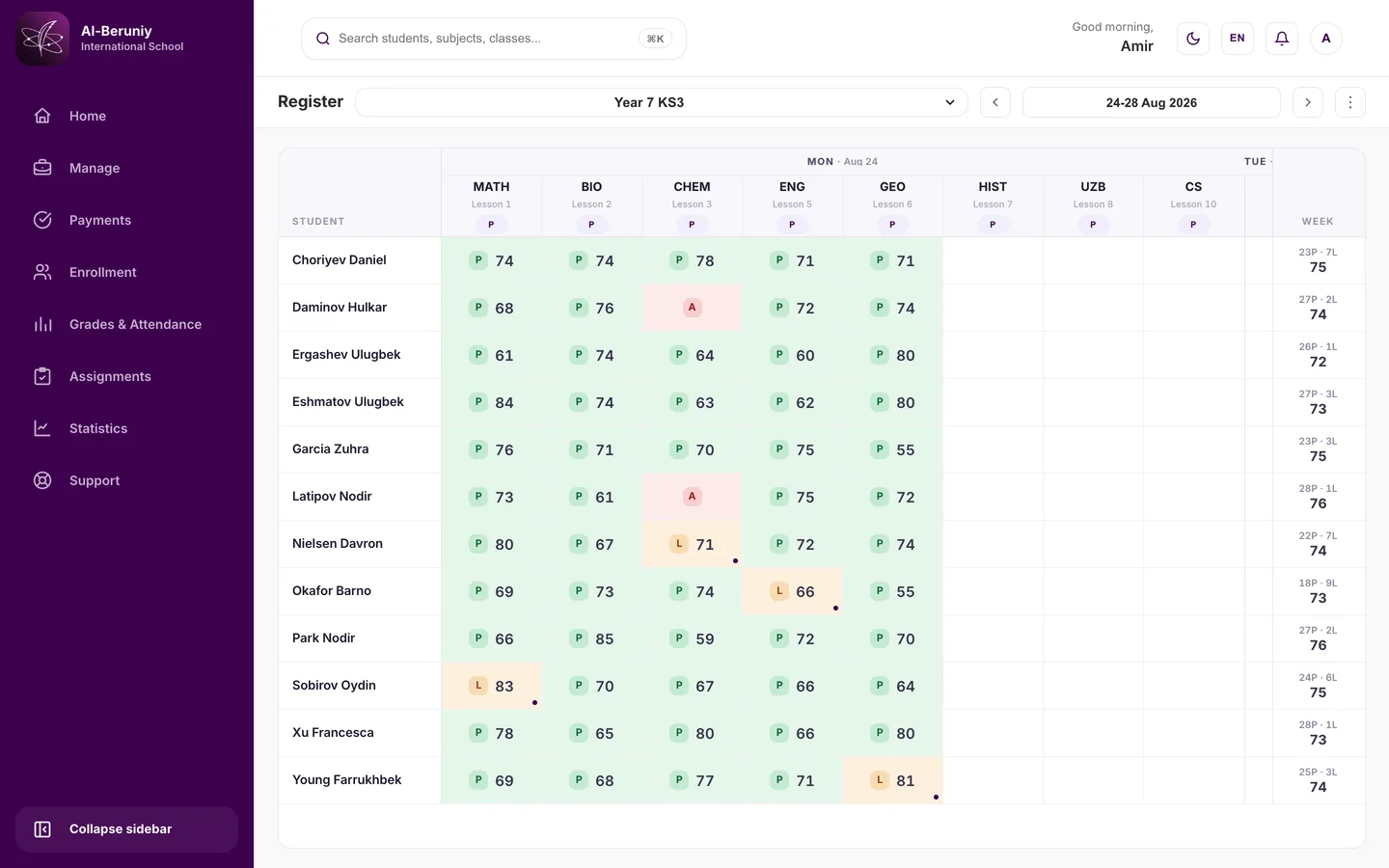
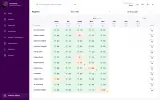
A week of one class, subject by subject: the attendance mark and the grade recorded together.
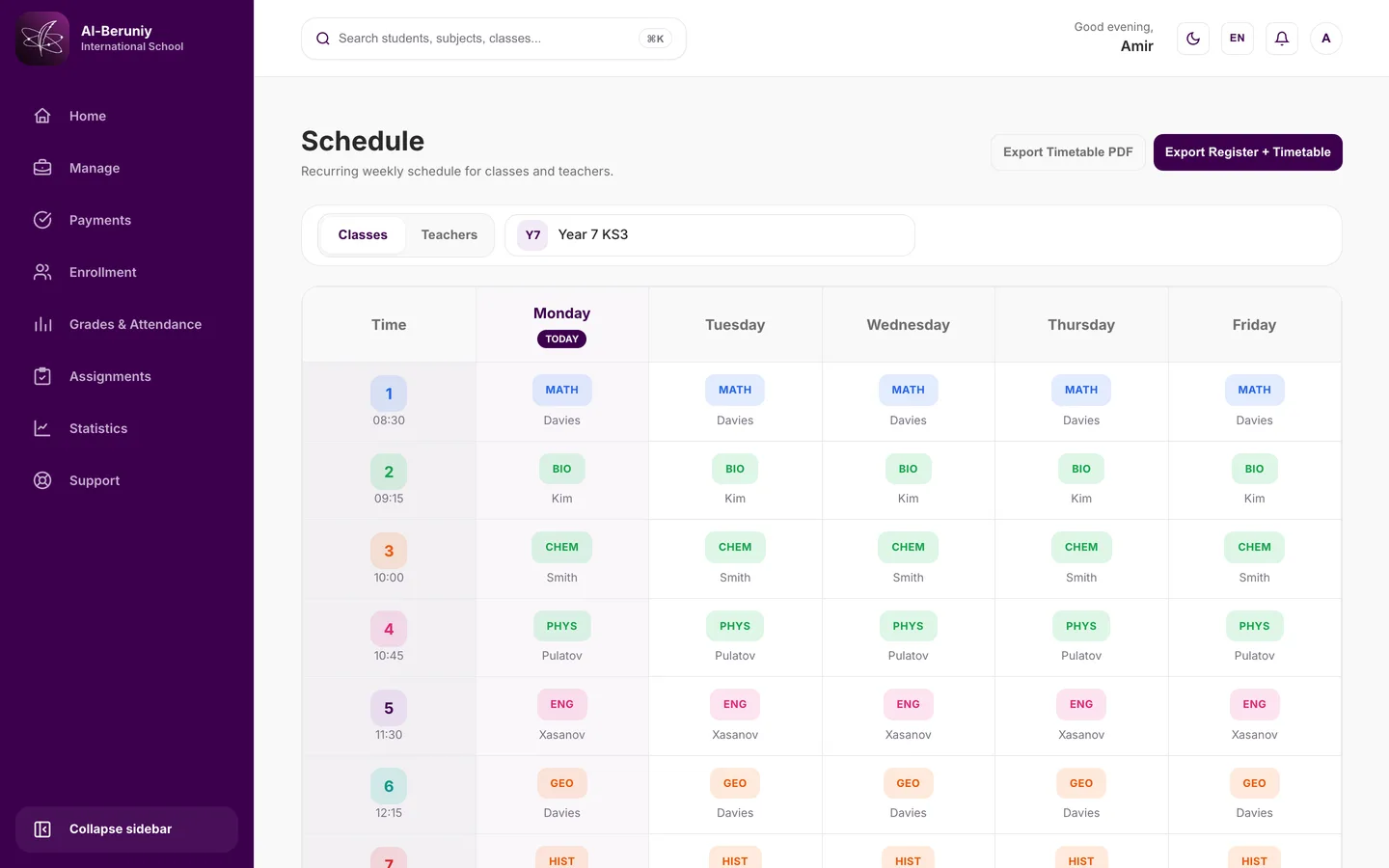
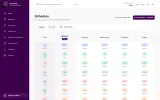
The recurring weekly schedule for a class, by period and by teacher.
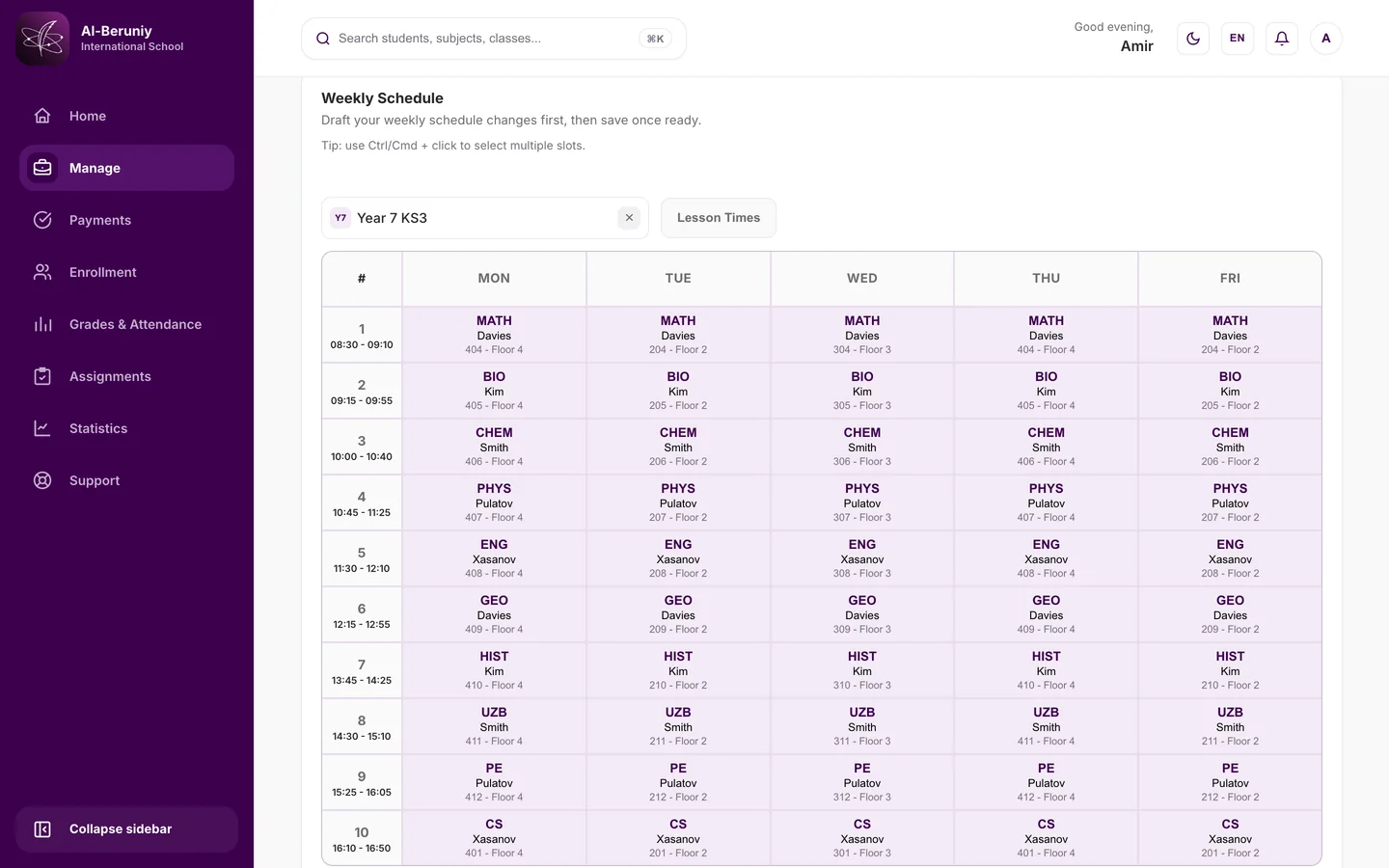
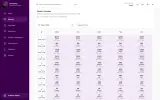
Building the week for a class: every period given a subject, a teacher and a room, drafted before it is saved.
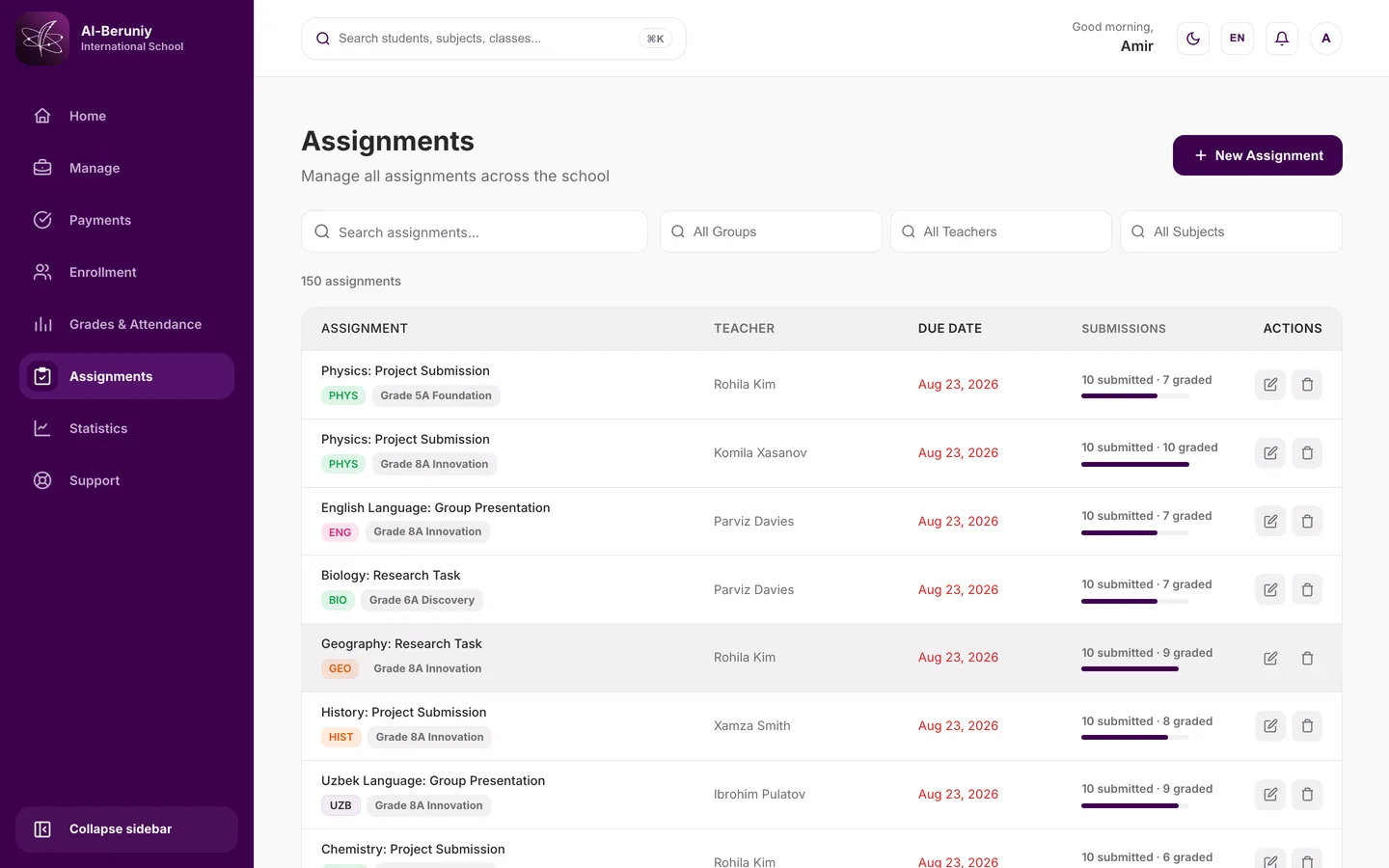
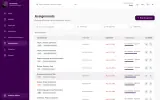
Every assignment in the school with its teacher, its due date, and how much of it is graded.
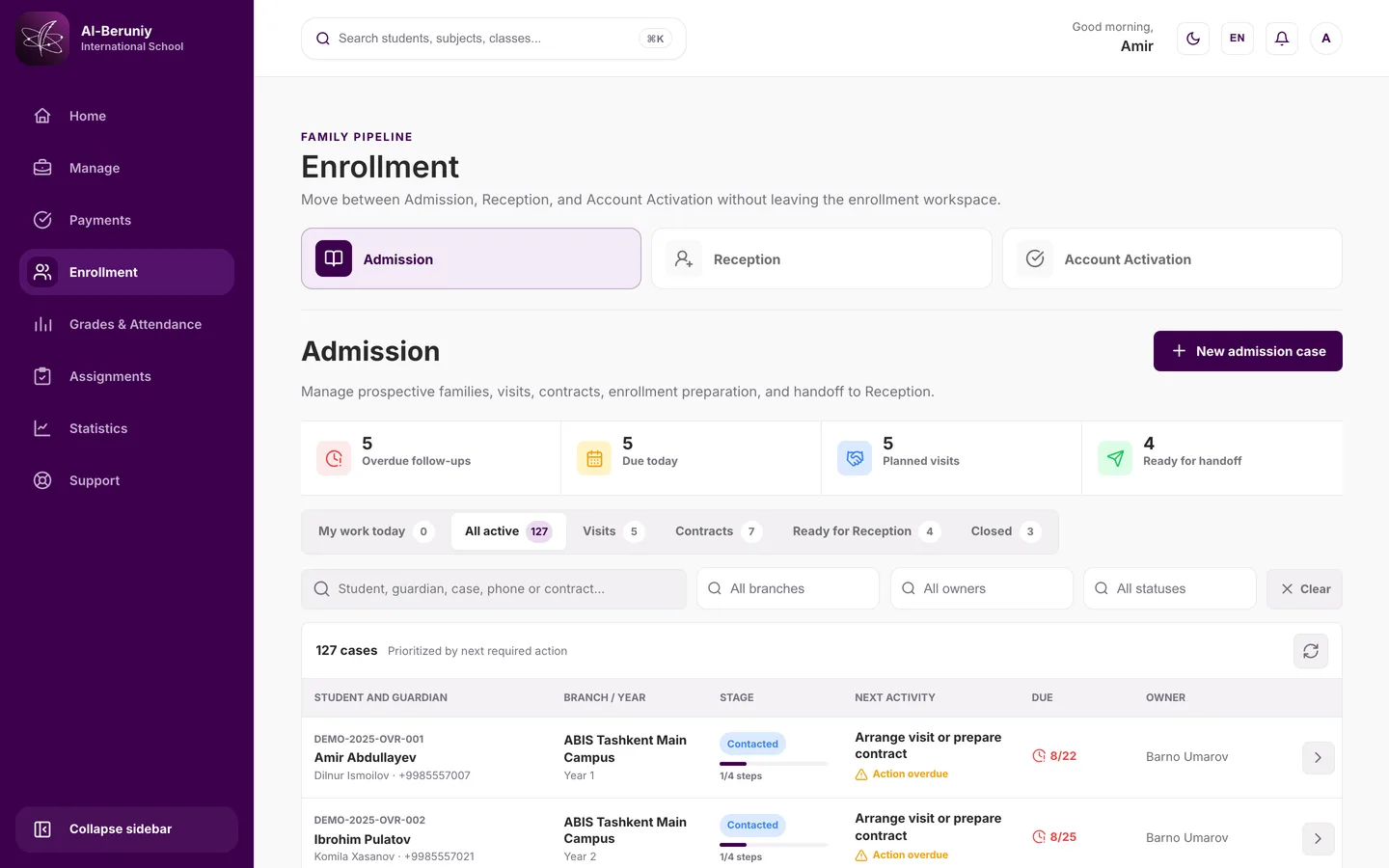
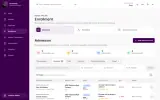
Prospective families moved between admission, reception and account activation, prioritised by next required action.
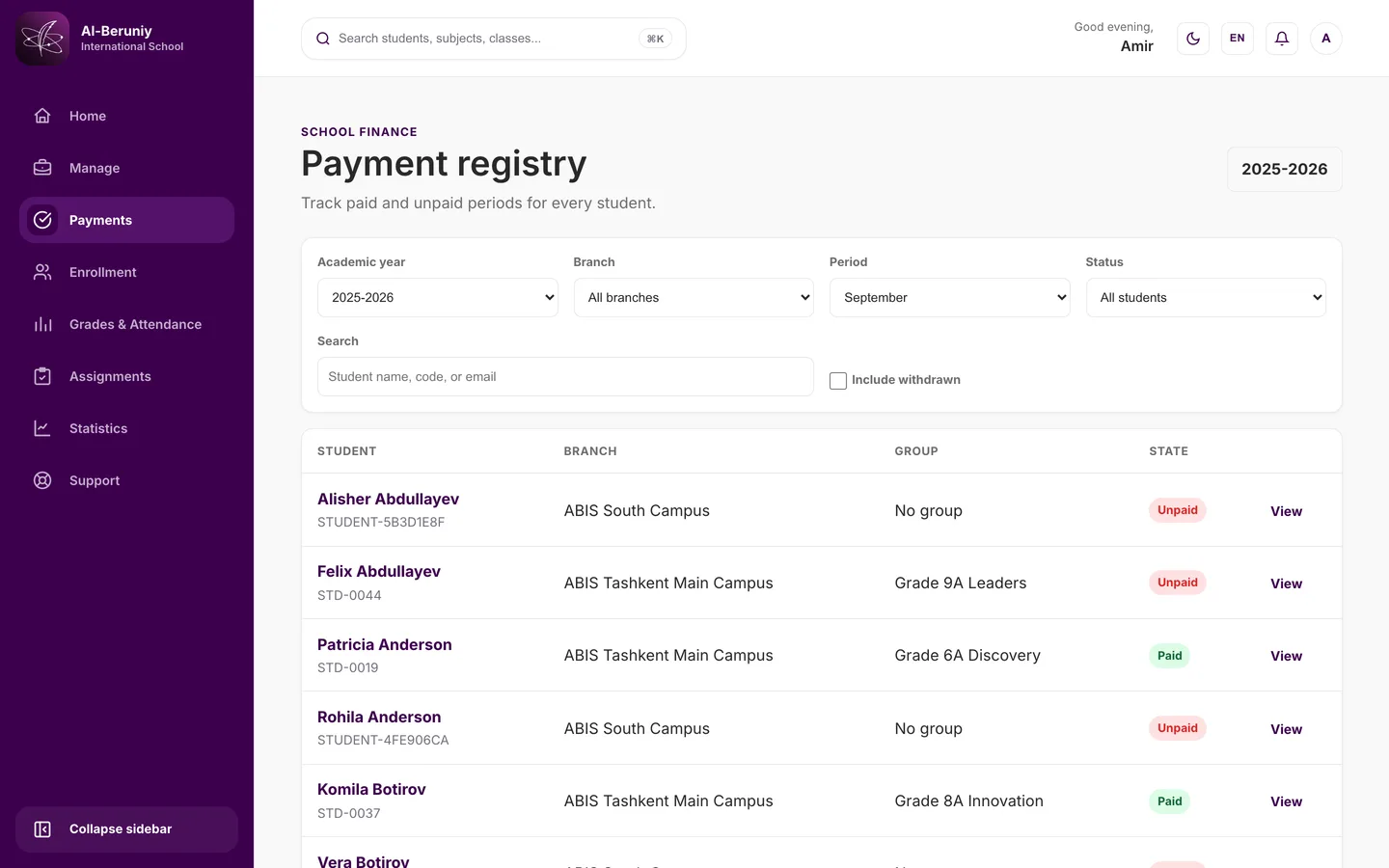
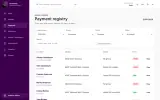
Paid and unpaid periods for every student, by academic year, branch and period.
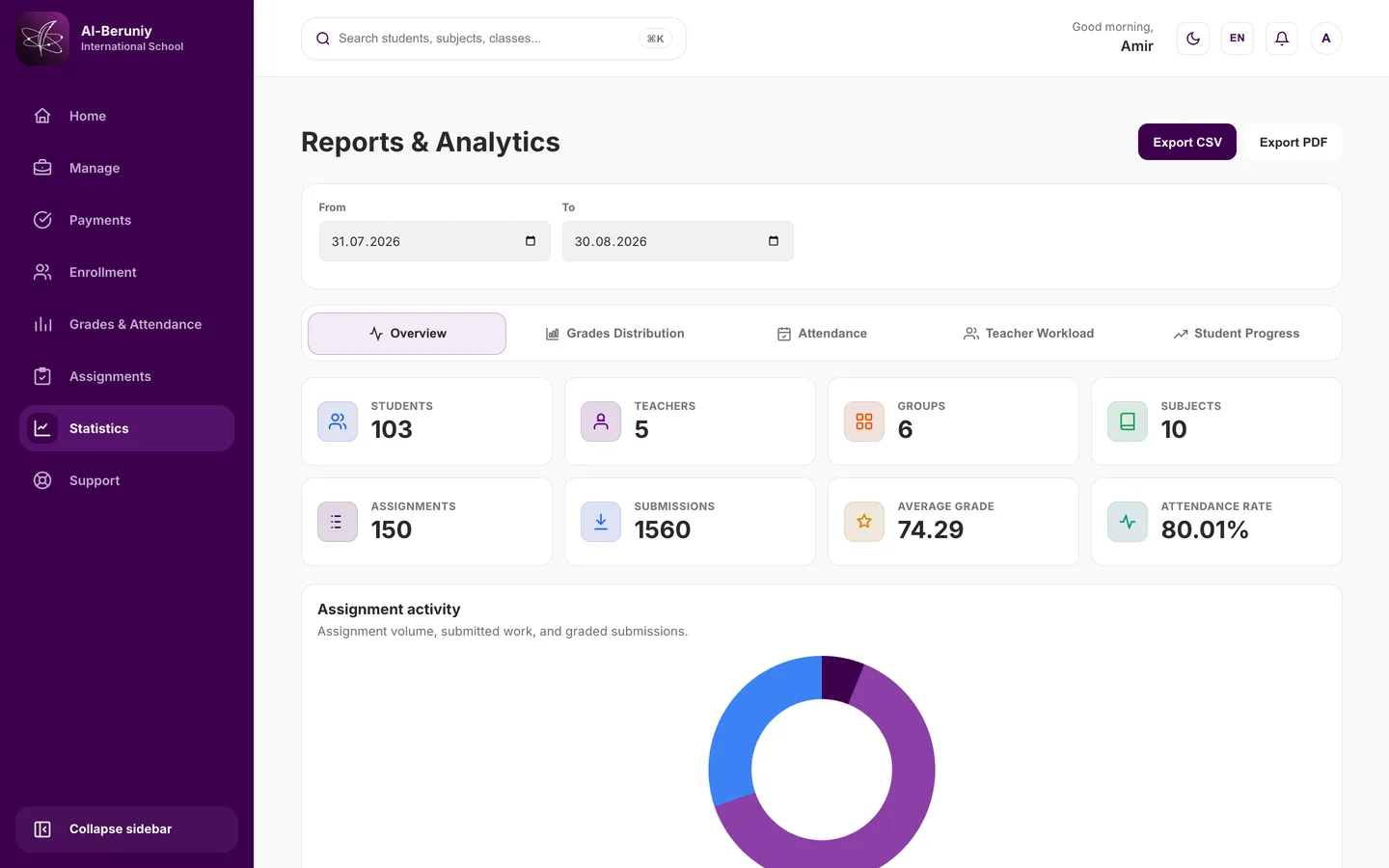
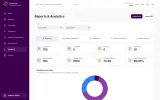
Roll counts, assignment volume, average grade and attendance rate across the school.
Command+K searches only what your role is allowed to see.
One parent, several children. Switch, and every page follows.
A grade needs Present or Late. Changing that clears the grade.
A sign-in help page, separate from the authenticated ticket queue.
Split a class slot into subgroups. Every student lands in exactly one.
Teachers see the subjects they teach. Homeroom teachers see everything.
Problems we hit
Grades can only exist with matching present-or-late attendance, so changing a teacher's attendance record to absent invalidates dependent grades.
The server calculates the affected count, waits for teacher confirmation, and clears the grades in the same transaction that updates attendance. Legacy write routes enforce the same invariant.
The idle timeout is defined as real user inactivity, not token age, which background polling from the notification centre does not represent.
Background requests from the notification centre and other polling features are excluded from resetting the inactivity clock. This required separating user-activity tracking from background request handling at the session layer.
Decisions we made
The primary decision was to build around shared academic entities instead of feature-by-feature pages.
That makes reporting possible because attendance, grades, assignments, and workload can be evaluated against the same people, subjects, and groups.
The second decision was to keep high-density administration and reporting on desktop while maintaining responsive learner access.
Students and parents may check schedules or assignments from smaller screens; administrators still need broad, scan-friendly working surfaces.
The system also includes support and language selection as part of the product rather than launch-only assistance.
A multi-role school system needs a clear way to recover when users cannot complete a workflow.
Contact
For professional opportunities, collaborations, or selected freelance work.